Getting around with the TV remote
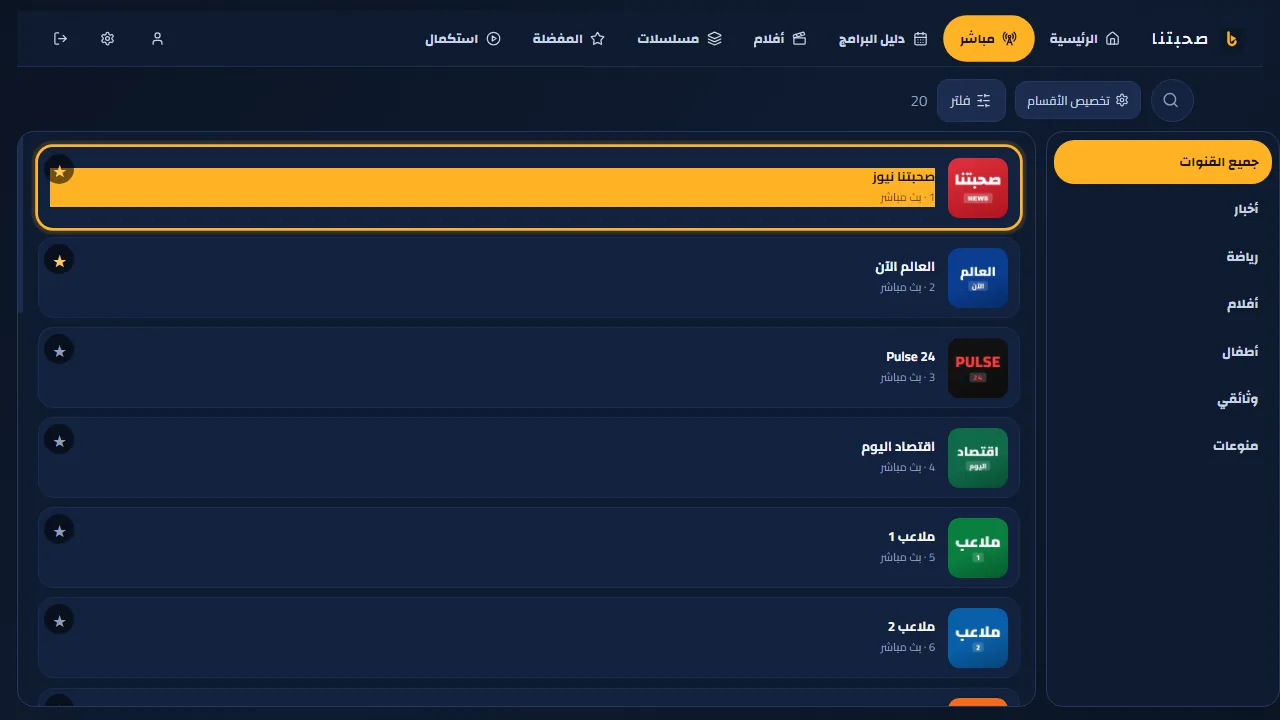
Every screen is built for the arrows and OK; the current item has a clear coloured frame.
- On LG and the computer the sections sit in a top bar; on Android TV they are on the side: Home, Live, Guide, Movies, Series, Favourites and Continue. Press Up (or toward the menu on Android TV) to reach them from any row; sub-categories are on the right.
- Back: from content it returns to the menu, from another section to Home, and two quick presses on Home close the app.
- Favourites: long-press any channel or film, or use the yellow/red remote button.
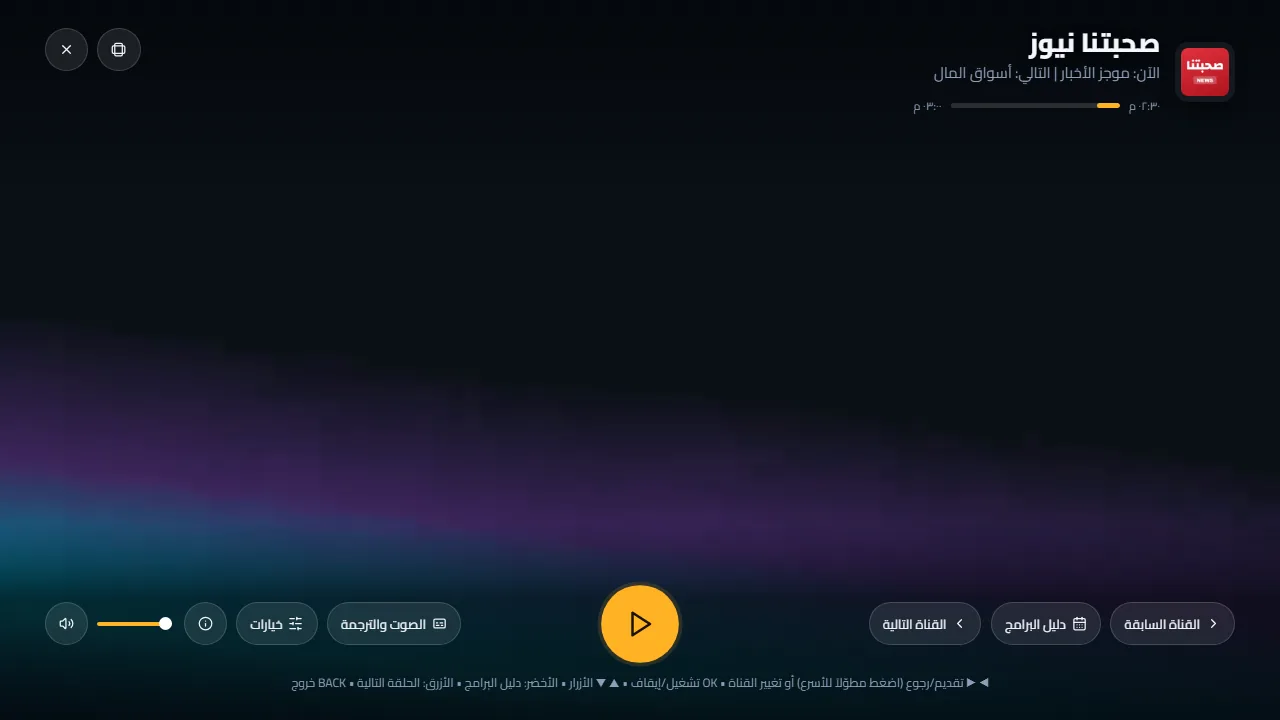
- While playing: OK pauses/plays, right/left skip (hold to go faster), and number keys switch live channels directly.
- Back in the player first hides the controls; the next press leaves the player to where you were.