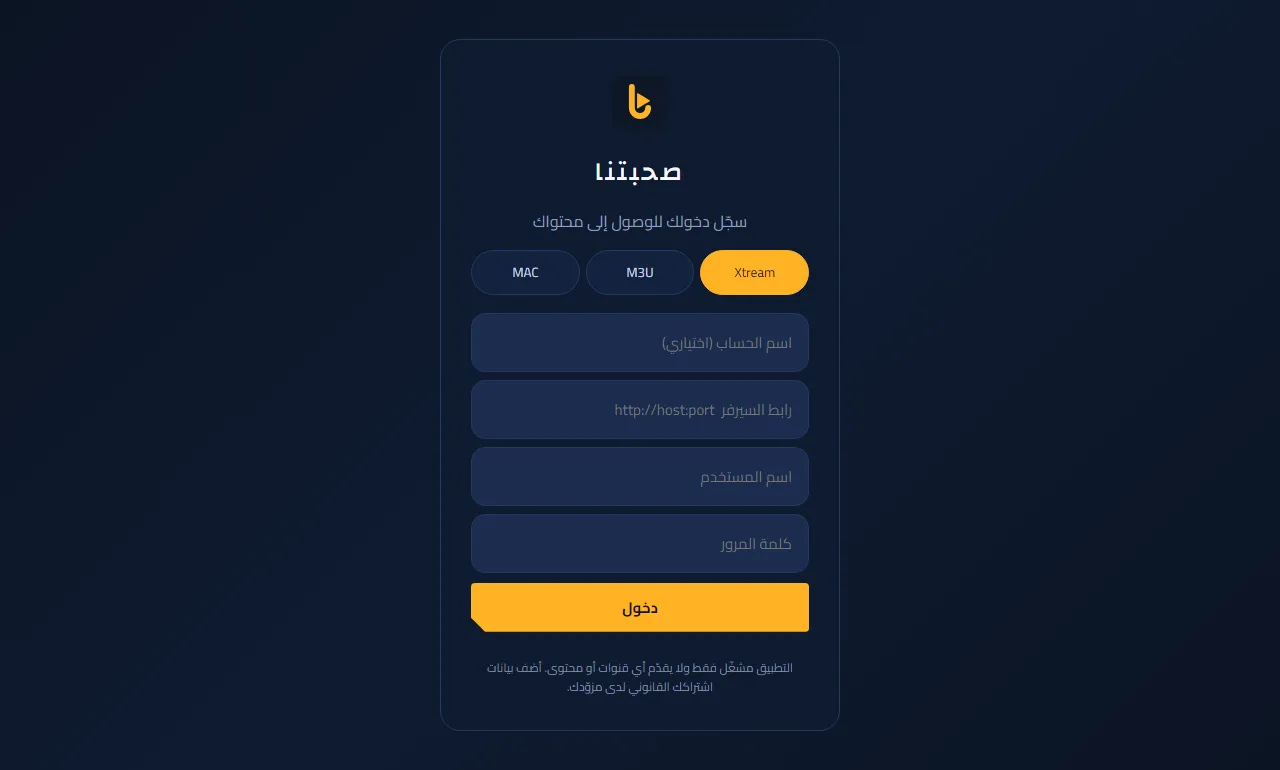
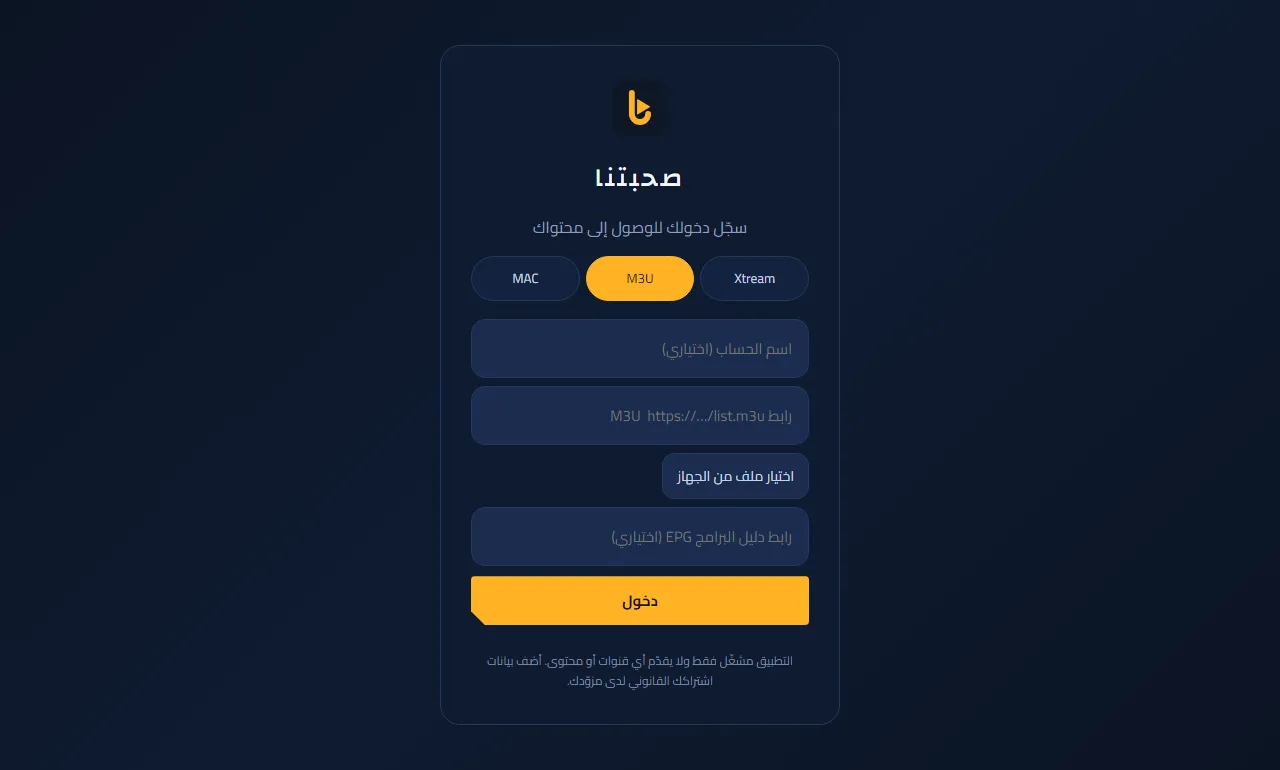
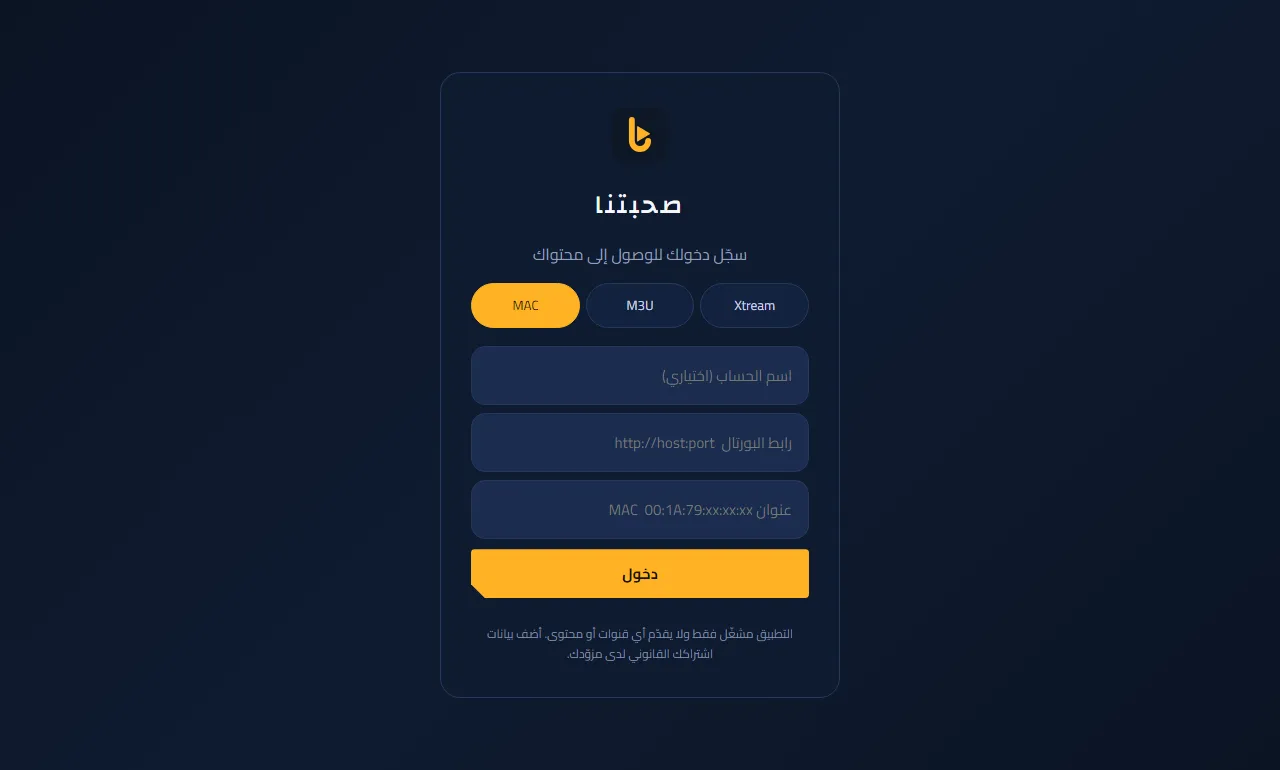
Sign in: Xtream, M3U or MAC
The app is a player only, with no channels; your details come from your subscription provider.
- Xtream (most common): choose “Xtream”, type the server URL, username and password exactly as your provider sent them, then “Sign in”.
- M3U: choose “M3U” and paste the playlist link (or pick an .m3u file on phones and PCs). The EPG guide link is optional.
- MAC (Stalker portal): choose “MAC” and enter the portal URL and the MAC address registered with your provider. Available on Android and Windows, not on LG TVs.
- Want to try first? Use the demo account: server https://sohbatna.mirqaa.com/demo-server, user demo, password demo (demo content only).
- You can add several accounts and switch between them from the “Accounts” button on the home screen.
Seeing “could not connect”? Check the URL (http or https, no spaces) and ask your provider whether the subscription is active.