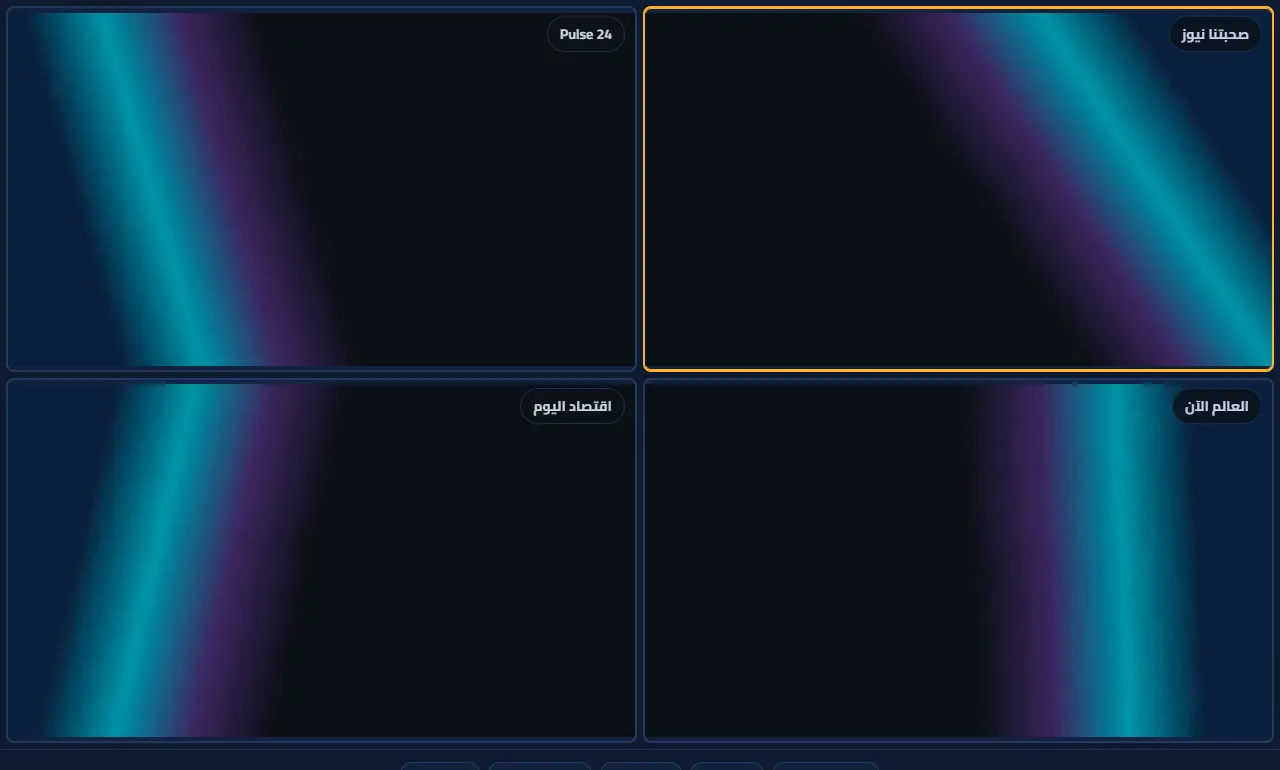
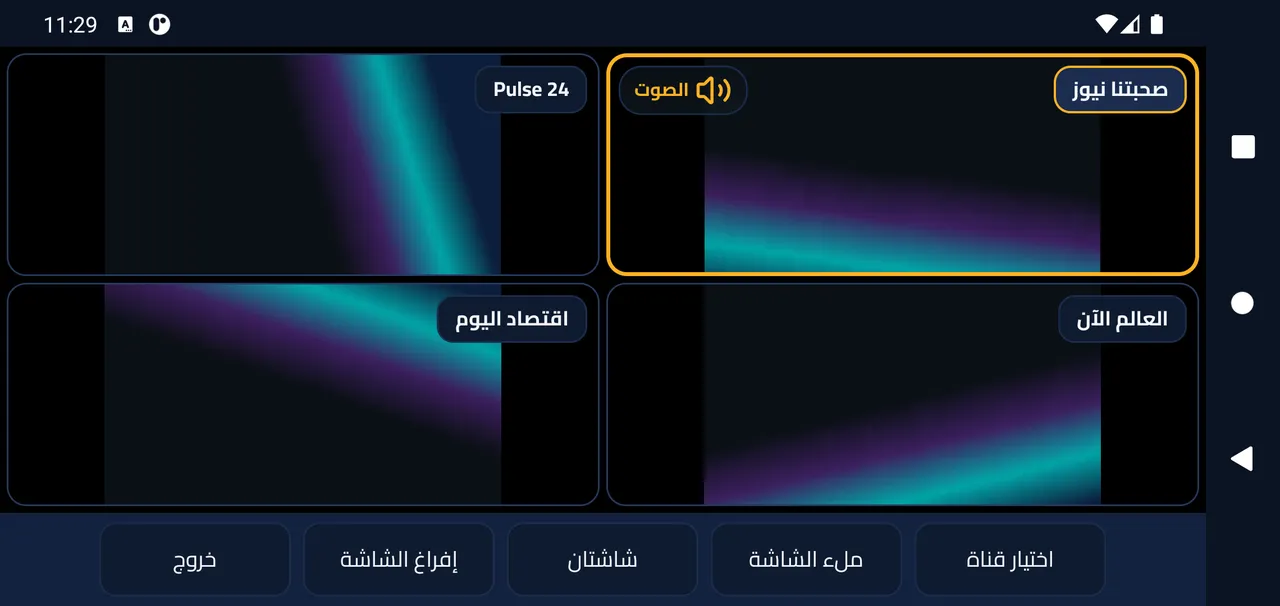
Watch several channels at once
Watch several live channels together, say a match and a news channel.
- On the home screen, press the multi-screen button (the grid icon).
- Choose a layout: two screens, four, or one large with three small.
- Press an empty slot and pick a channel for it. Sound follows the selected screen.
- “Full screen” enlarges the selected slot; “Clear” stops its channel.
Each slot is a separate stream; on a slow connection use fewer slots.