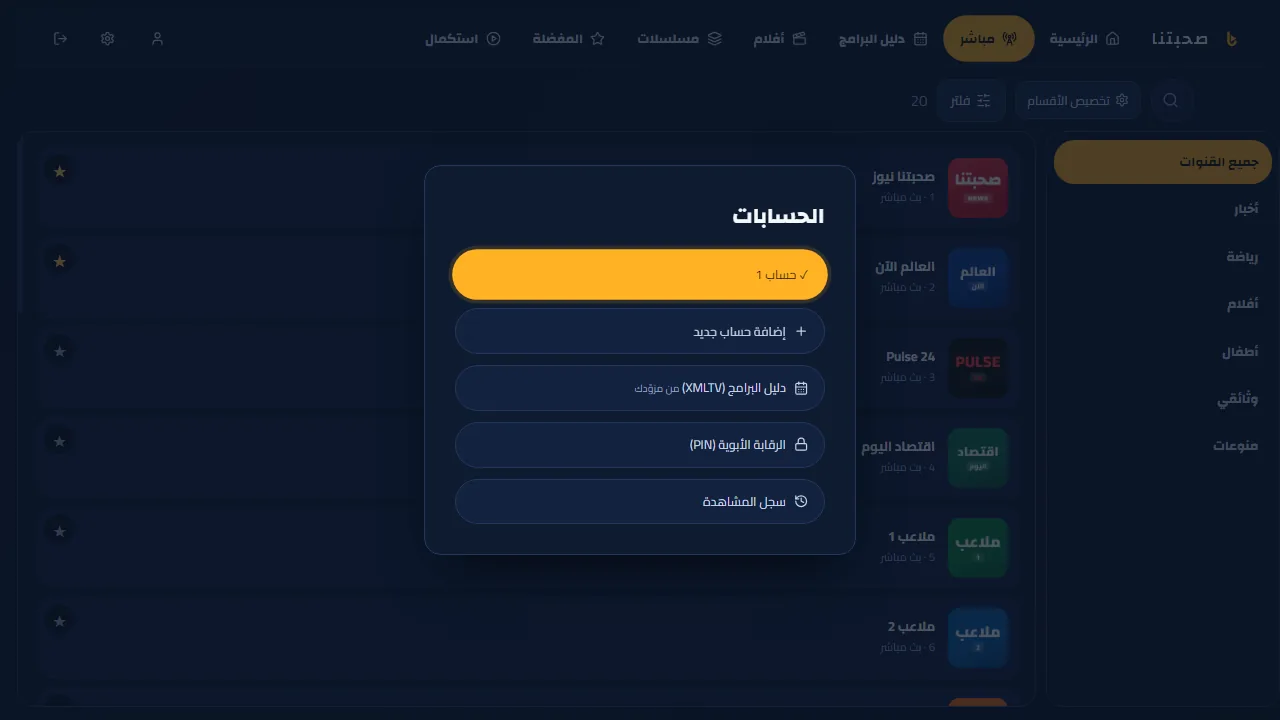
Accounts, parental PIN and kids mode
Everything is in the “Accounts” button on the home screen.
- “Add a new account” adds another subscription; “Rename the current account” makes them easier to tell apart.
- “Parental control (PIN)”: set a PIN (at least 4 digits), then use “Lock/unlock categories of this section” to choose which categories need the PIN.
- “Kids mode” (needs a PIN set): shows kids categories only with a “Kids” badge in the menu; leaving it needs the PIN.
- In Settings → Family and seniors: set a daily viewing time for kids (30 minutes to 3 hours). When it runs out, the app asks for the PIN to continue.
- “TV guide (XMLTV)” in the same menu, if your provider gave you a separate guide link.