Fixing common problems
Most problems come from the internet speed or the subscription itself. Try these in order.
- Stream stutters or freezes: Settings → Buffer strength → “Stable”, and keep “Reconnect automatically” on.
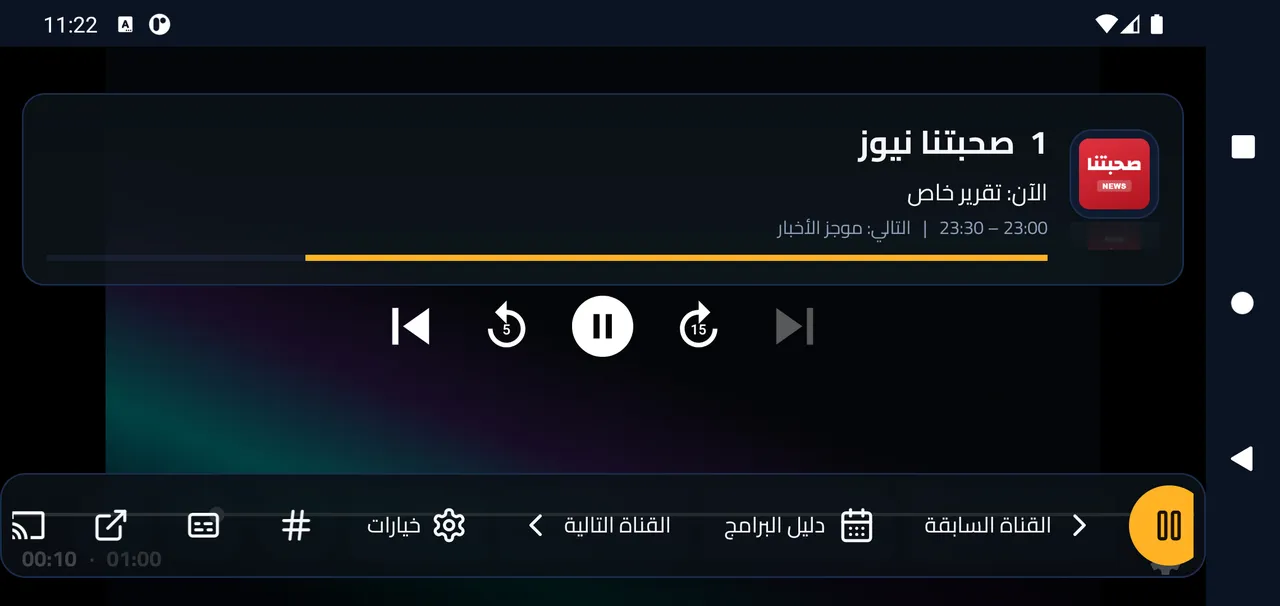
- A channel or film will not play: try another. If only some fail, it is usually the provider. In the player options you can try an “External player”.
- Slow on an older device: Motion and effects → “Light” or “None”.
- Old pictures or lists: Settings → Maintenance → “Clear cache”, then “Sync now”.
- To make sure you have the latest version: Settings → “Check for updates”.
- Still stuck? Take a picture of “Error log” in Maintenance and send it to us on WhatsApp.