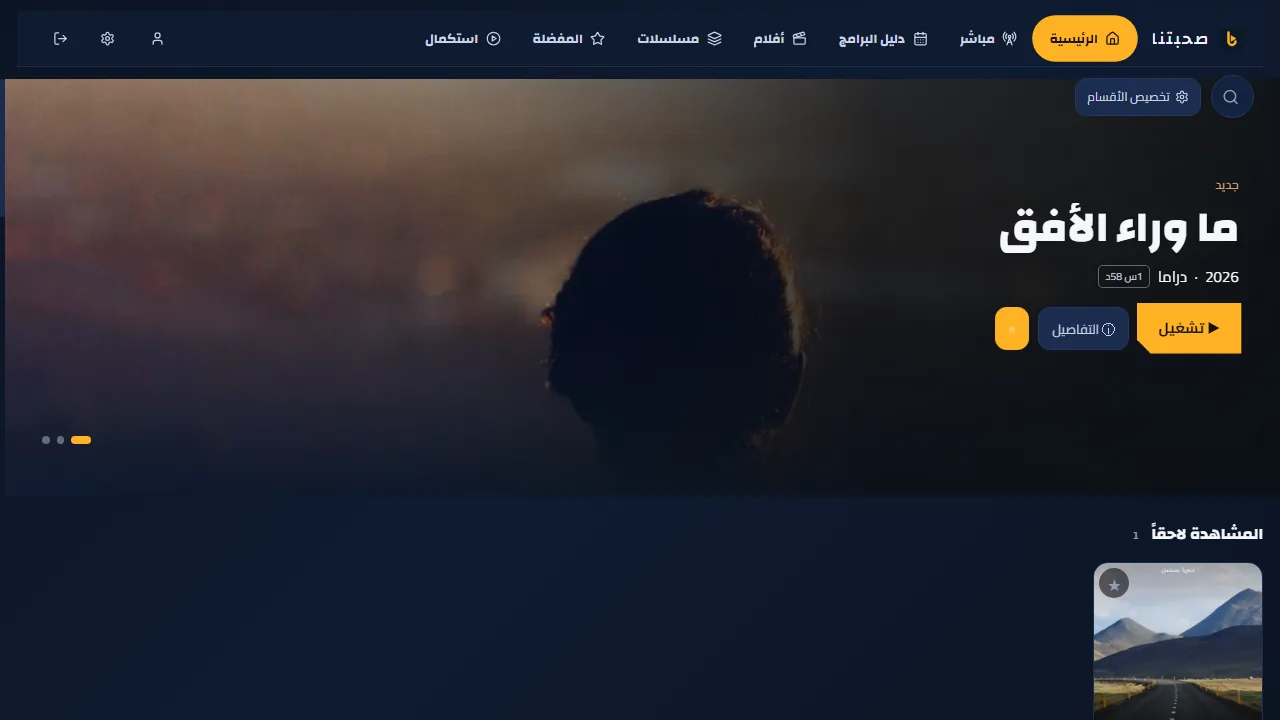
Install on Android TV, Google TV and TV boxes
On a TV, use the free Downloader app to fetch the file from a short link.
- On the TV, install “Downloader” (by AFTVnews) from Google Play.
- In the TV settings: Apps → Special app access → Install unknown apps → allow Downloader. (The path varies a little by brand.)
- Open Downloader, type sohbatna.mirqaa.com/apk and press “Go”. The link always serves the latest version.
- Press “Install”, then “Open”. Afterwards you can delete the APK in Downloader to free space.
- The app appears in the TV’s apps row as Sohbatna (older versions: Hooksha).
The TV remote does everything; to type faster, use the phone remote.